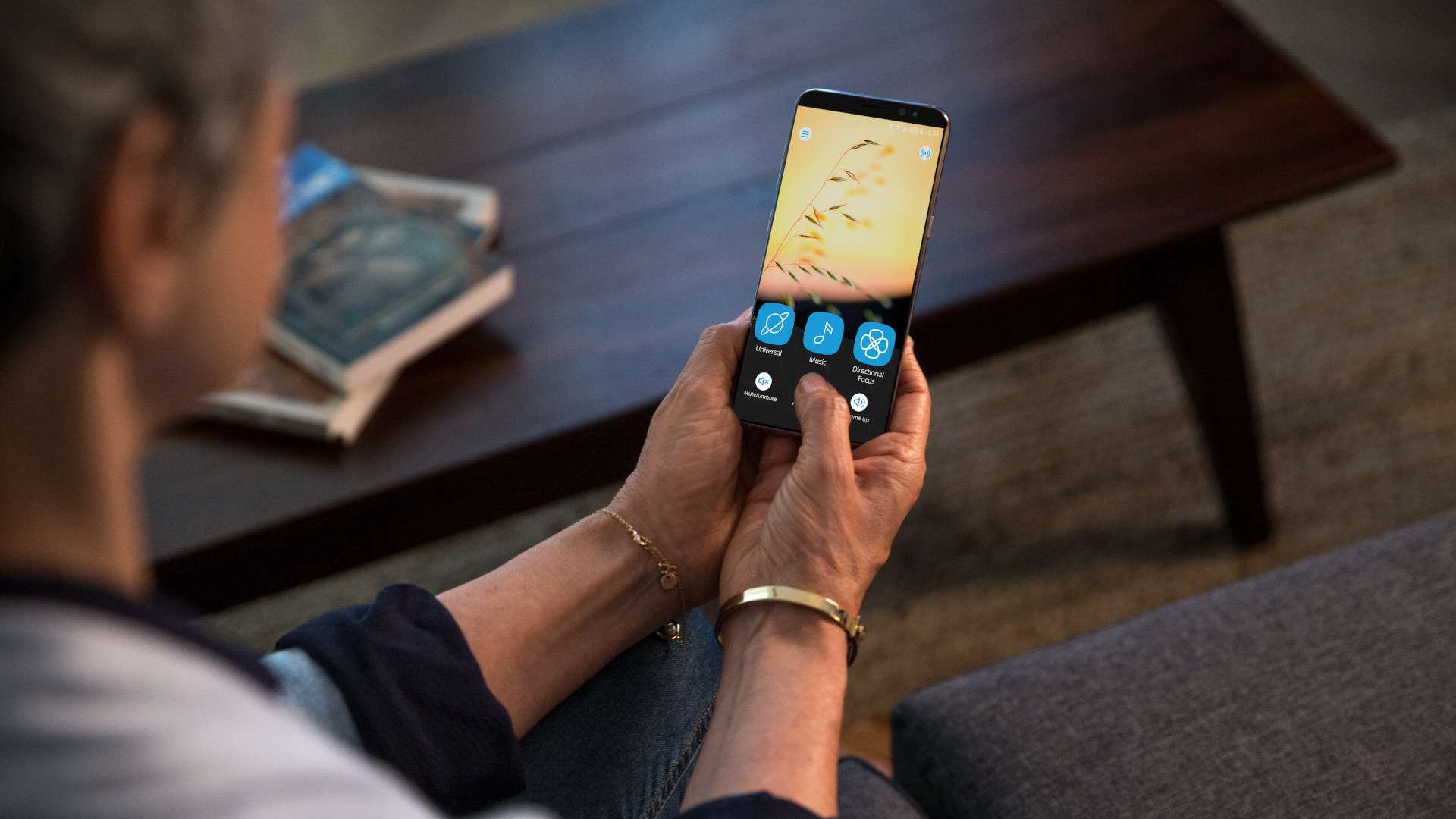
Widex Moment Sheer - man with sRIC hearing aids with smartphone

WIDEX MOMENT APP

THE PERFECTION OF NATURAL SOUND
IS WHEN I FEEL LIKE I'M IN CONTROL

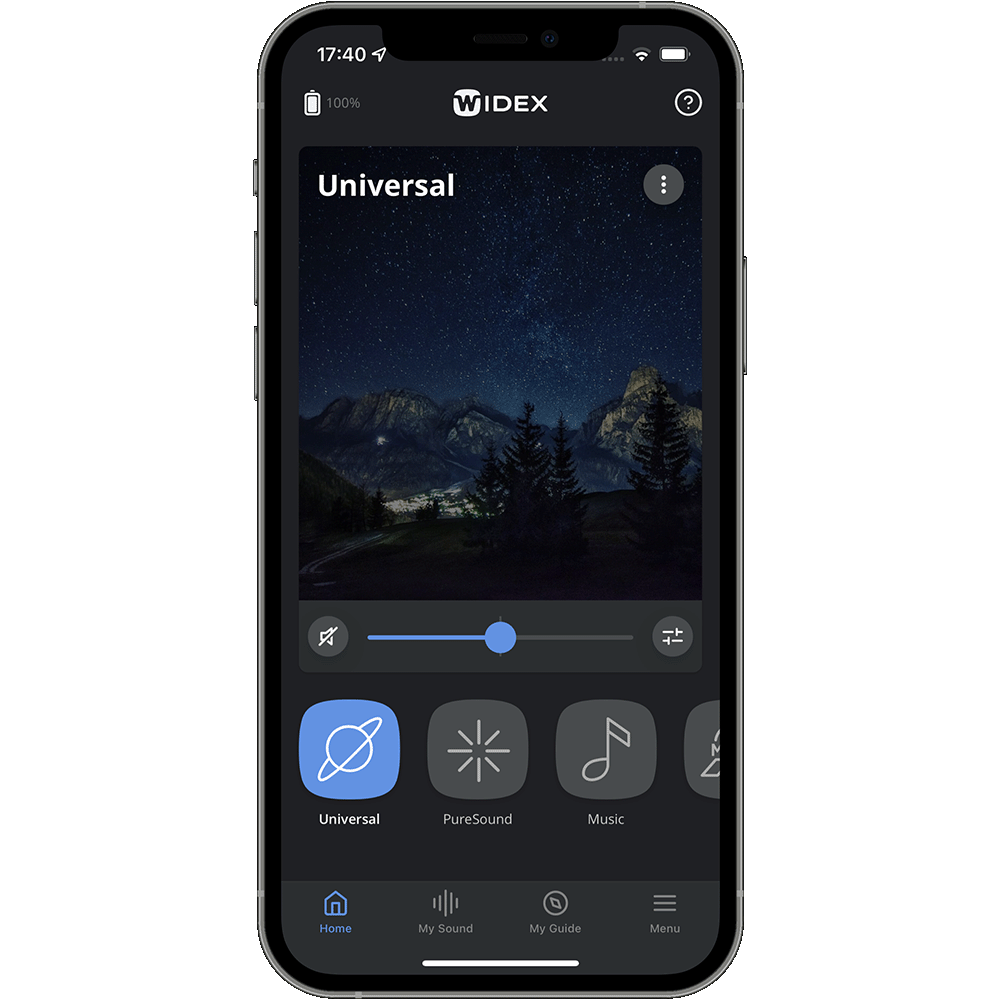
With Widex Moment™ hearing aids, you have the option to fully control your hearing aid using the Widex Moment app on your Apple or Android smartphone. It’s never been easier to fine-tune your hearing, so you get exactly the sound you prefer – in exactly the moments that are important to you.

FEATURES AT A GLANCE

Widex Moment app screenshot - personalize sound

Personalize your sound

  • Equalizer
  • Sound Mixer
  • Personal programs
  • Made for you
  • Made by you
  • Wellbeing and relaxation programs
  • Zen programs

Remote control

Use the app as a remote control for your hearing aids

  • Hearing program selection
  • Volume control
  • Mute / unmute hearing aids
  • Directional focus
  • Right / left volume adjustments

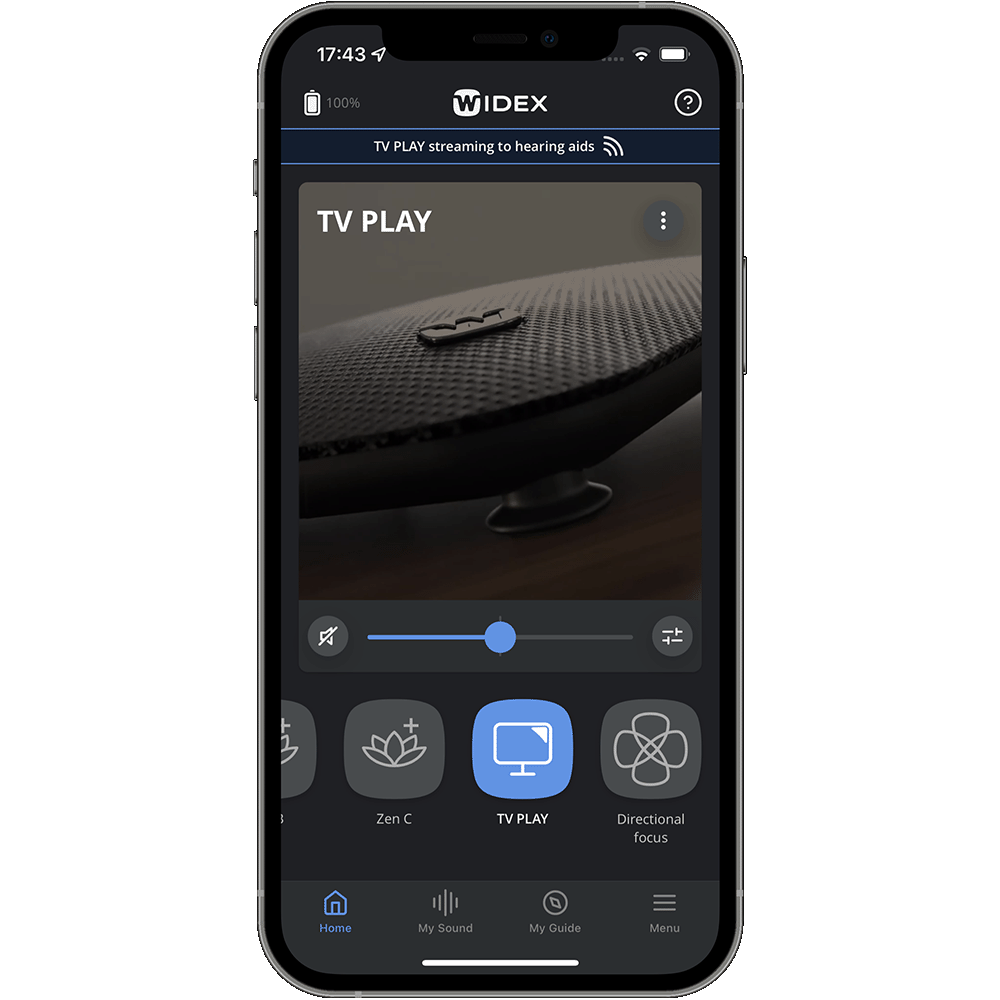
Audio streaming

Stream audio directly from your iPhone and many models of Androids phones to your hearing aids (similar to earbuds)

  • Control and adjust the sound to your liking
  • Control and adjust audio streamed from TV Play device
Widex Moment app screenshot - monitor your hearing aids

Monitor your hearing aids

  • View detailed battery status
  • View connection status to app
  • Find my hearing aids
  • Turn on/off Bluetooth in hearing aids (flightmode)
Widex Moment app screenshot - help

Help on app and hearing aids

  • Help section
  • FAQs on handling hearing aids
  • How-to videos
Widex Moment app screenshot - MyGuide

My Guide

  • Learn to use and wear hearing aids
  • Troubleshooting
  • Courses
  • Hearing aids reminder
  • Find my hearing aids 
Widex Moment app screenshot - firware update

Hearing aid update

  • Firmware update
  • How -to
Widex Moment app screenshot - light or dark appearance

Appearance

  • Switch between dark and light mode
Widex Moment app screenshot - connection guide

Pairing and connection

  • Connecting guide
  • In-app pairing
 

MYSOUND
SOUND MADE FOR YOU

What if a hearing aid could give you access to the listening experiences of thousands of real users just like you, so they could give you a personally recommended sound in an instant?

With Widex MySound™, you can. MySound combines real human experiences with the immense power of artificial intelligence and condenses it into a simple and easy-to-use smartphone app.

More control. More insights

With Widex MySound™ 2.0, we’ve added compression to the list of parameters that you can control. This means that you can now create programes that adjust both the equalizer and compression in a way that suits your need and situation – delivering an even more truly personalised hearing experience.

Made for You

Simply by selecting the most relevant activity and listening intent, our AI instantly presents you with a recommended sound profile based on the way thousands of other users preferred to hear in a similar situation.

Made by You - now even faster

The AI system guides you to a better sound through a series of comparisons. This allows you to tailor the sound to your exact taste.

Because our calculations now run in the cloud, the ‘Made By You’ process is now faster than ever. This means you have access to high-speed computations, whether you have the newest smartphone or an old model.

SOUNDSENSE LEARN

It learns what you prefer

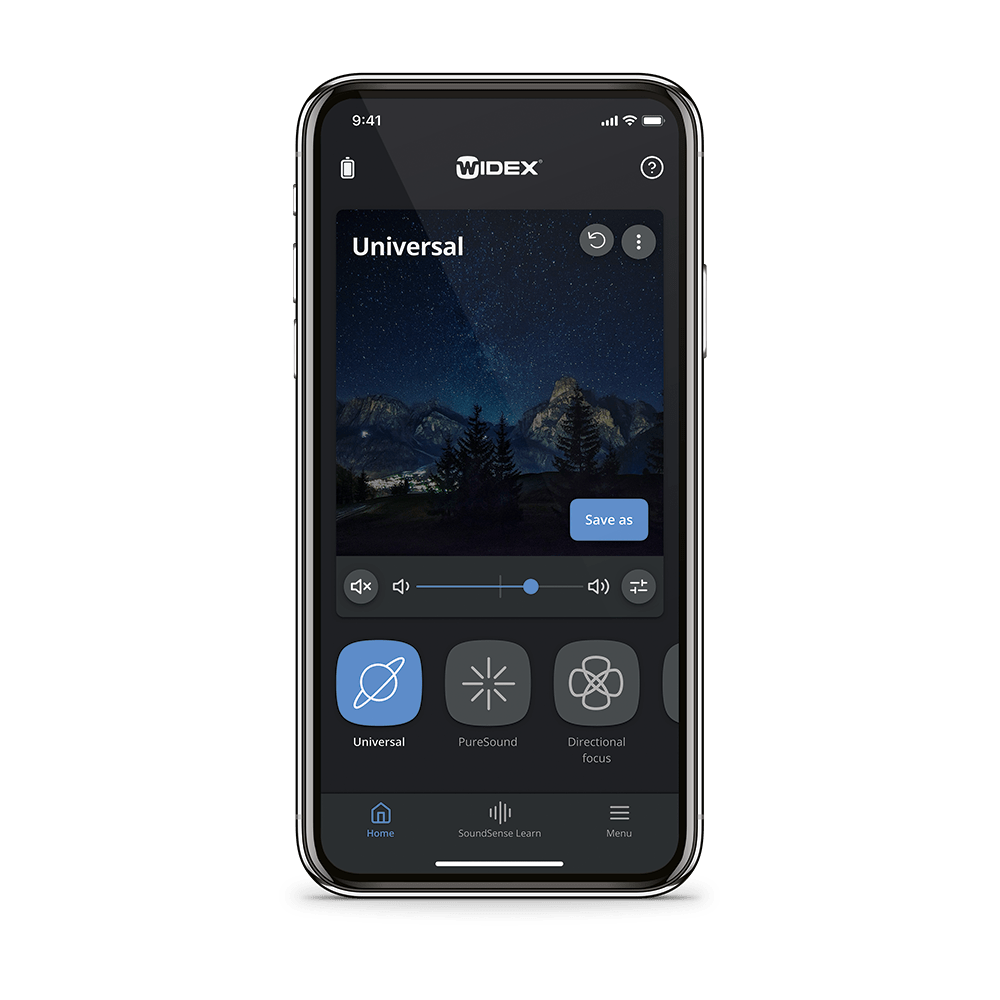
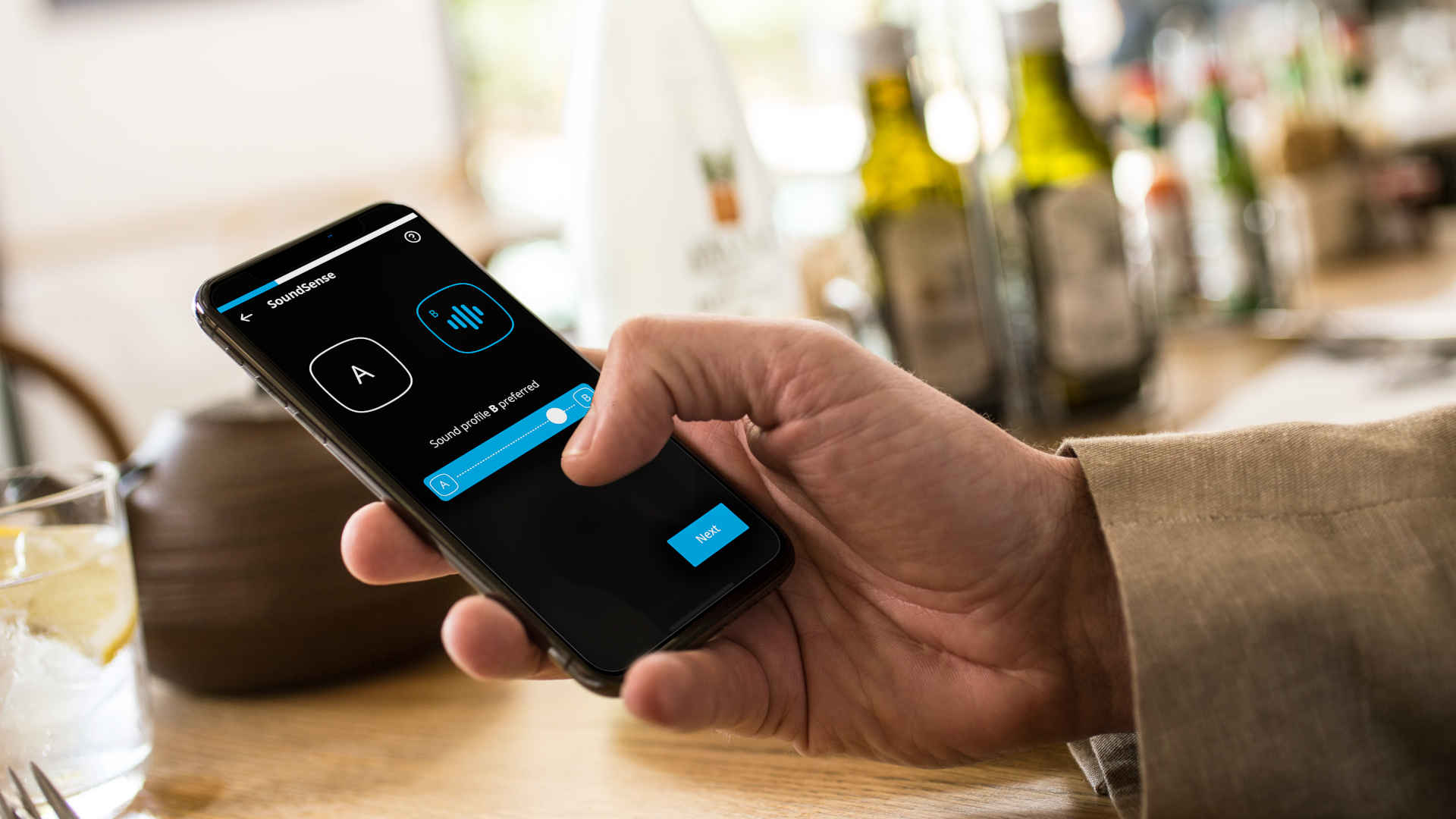
Use the handy SoundSense Learn feature on the front screen to have real-time machine learning guide you towards a better, more personalised hearing experience. Simply compare different sound profiles and choose A or B for an intuitive way to control sound parameters.

Just a few taps determine how you hear in the moment.

Create your own personal programs

Like to have things your way? (Who doesn’t!) Whether you’re a technical wizard or a technophobe, it’s easy to make your own personalised programs. Create and name your new programs - even give each a unique photo.

Let SoundSense Learn be your guide. And make a special program for your office, favourite café or elsewhere.

DOWNLOAD THE FREE WIDEX MOMENT™ APP

Widex Moment app home screen

WIDEX MOMENT APP SUPPORT

HOW TO USE THE MOMENT HEARING AID APP

This 6-minute video walks you through the smartphone app, so you can tailor your hearing aids to your preferences.

HEARING AID COMPATIBILITY

The Widex Moment app works with Widex Moment Sheer models:

The Widex Moment app works with the following Widex Moment models:

  • mRIC R D
  • RIC 312 D
  • BTE R D
  • BTE 13 D 

All other models use the Widex Tonelink app, which lets you simply and discreetly adjust key functions such as volume and programs. Tonelink does not feature SoundSense Learn, which guides you to personalised hearing.

PAIRING GUIDE - ANDROID ASHA

For all Widex Moment™ Bluetooth hearing aids
Learn more

PAIRING GUIDE - iOS

For all Widex Moment™ Bluetooth hearing aids

Learn more

STEPS TO BETTER HEARING

Widex icon hearing test

TAKE THE FREE HEARING TEST

Take a free and simple 5-minute online hearing test.
Widex icon store locator

BOOK AN APPOINTMENT

Meet a hearing care professional to get what you need for a better hearing.
Widex icon news

KEEP UP-TO-DATE

Read more about hearing loss and tinnitus.

RELATED CONTENT

Turn your smartphone into a remote control with the Tonelink app.

The Widex Evoke app

A truly smart hearing aid app gives you control.

Widex Remote Care

Get real-time hearing assistance, simply by connecting with your hearing care professional through your smartphone.
Go to the top
Close

Welcome to Widex

Based on your location, we suggest that you select one of the websites below: