NEED SUPPORT FOR YOUR WIDEX MOMENT HEARING AIDS?

Find the answers to your questions below and get even more answers in the MOMENT user guide.
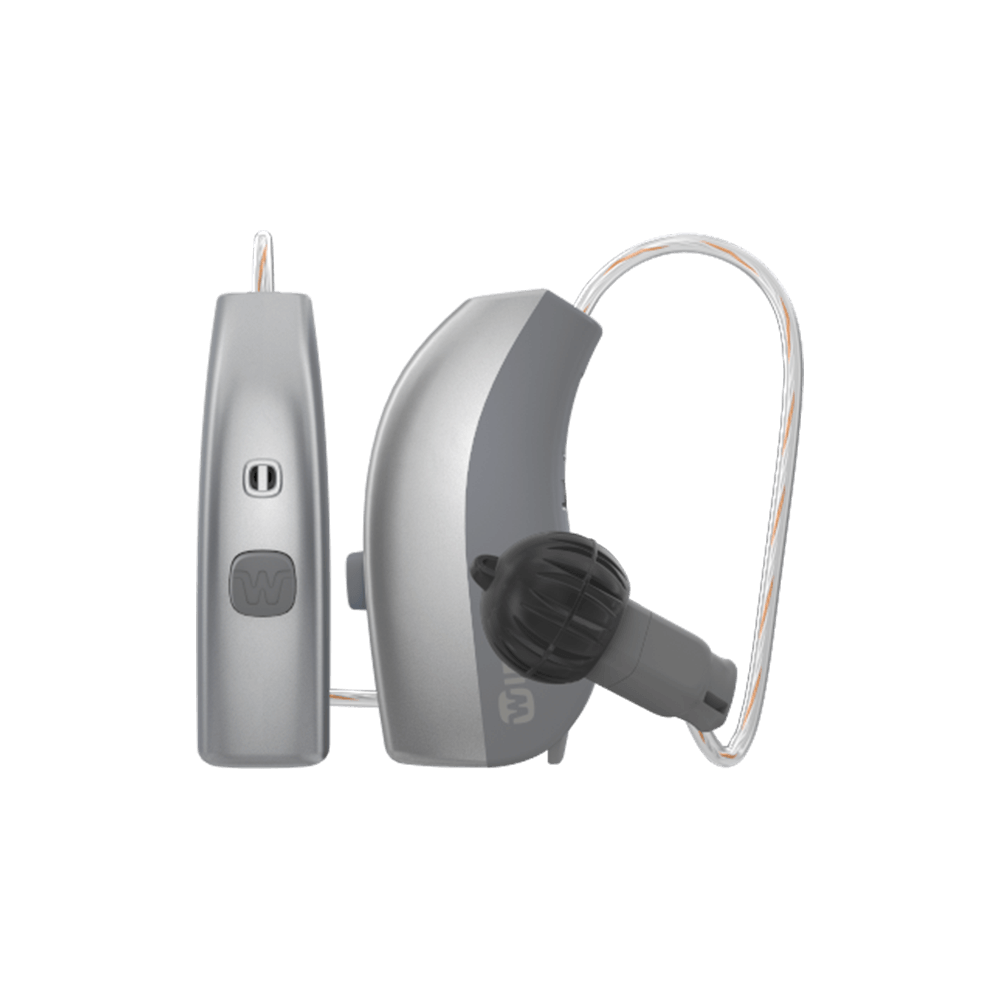
PLEASE SEE YOUR HEARING AID TYPE FOR TROUBLESHOOTING

IF YOU HAVE A MOMENT BATTERY-POWERED HEARING AID, PLEASE TRY TO:

Turn the hearing aids off and on by opening and closing the battery door. The hearing aids should be connected again to your iPhone®.

If not, see steps for re-matching your hearing aids to your iPhone in the guide.
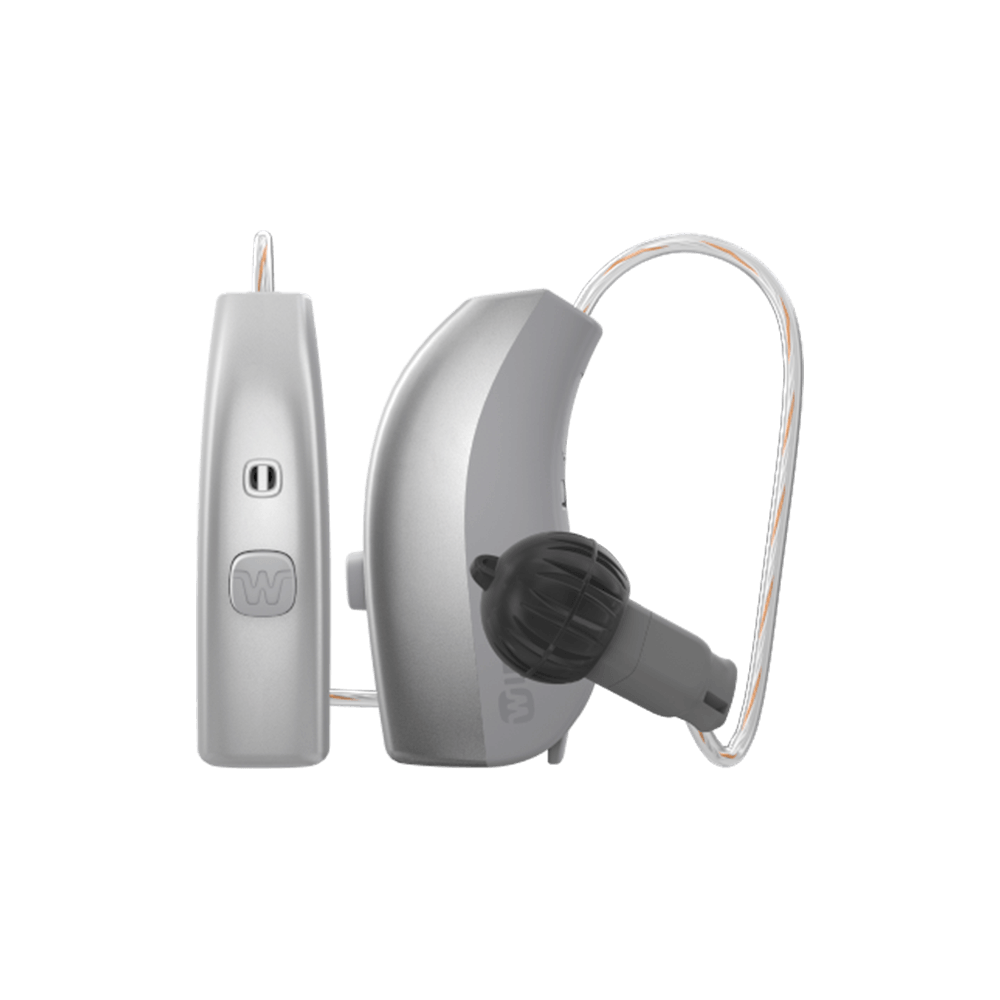
IF YOU HAVE A WIDEX RECHARGEABLE HEARING AID:

Press the button on the hearing aid for six seconds to turn it off and again for six seconds to turn it back on.

If still not connected, put the hearing aids in the charger for 10 seconds or until the lights flash green. 

Repeat a second time if the hearing aids do not automatically connect after the first time. See the guide if this does not work.

CONNECTIVITY IS PART OF MANY PEOPLE'S HEARING EXPERIENCE

For tips to optimize your connectivity experience, click below.
Access our MOMENT user guide here

LET A PROFESSIONAL GUIDE YOU

Find a hearing care professional near you.

Find a shop

RELATED CONTENT

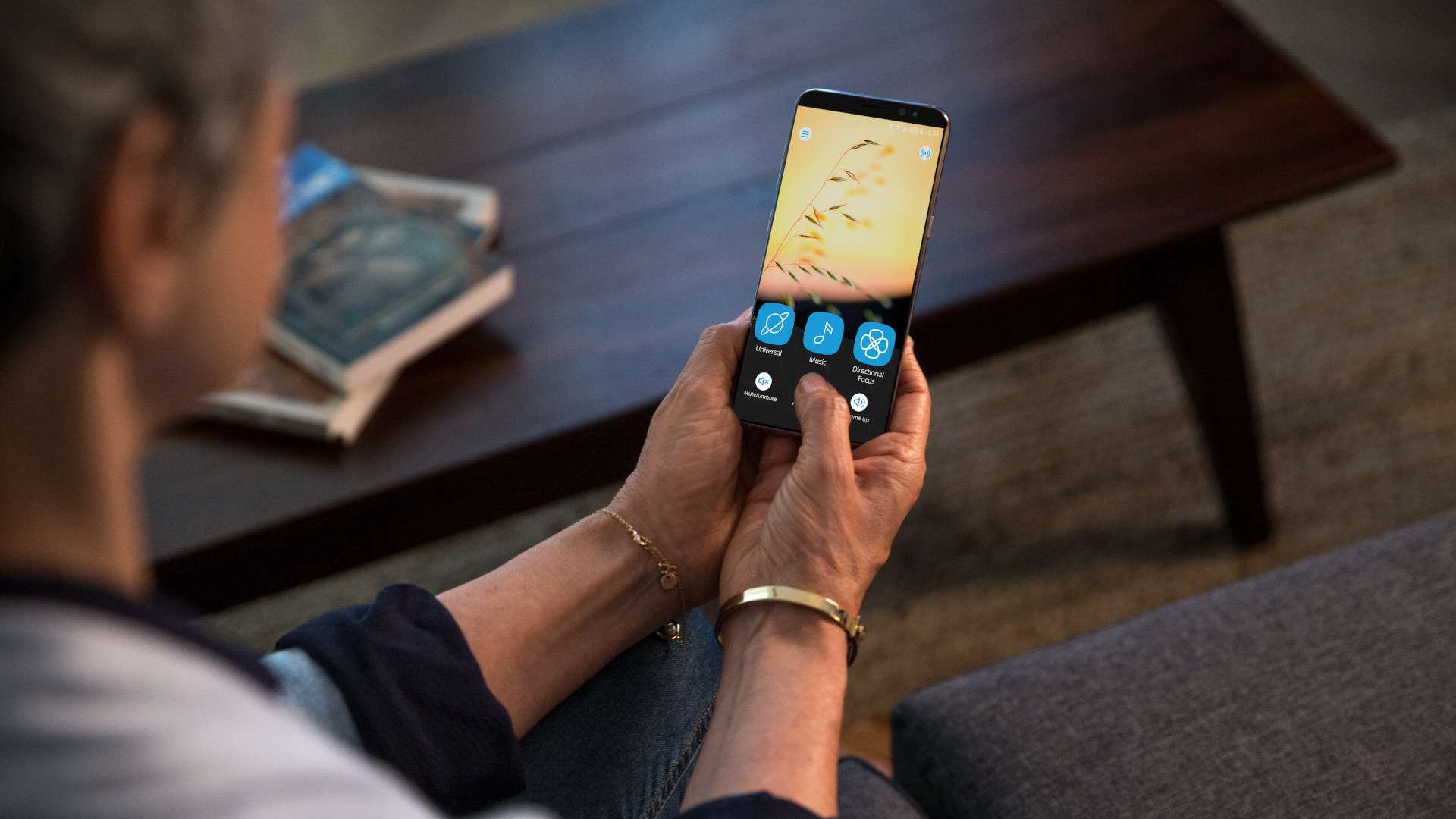
No need to carry a separate hearing aid remote control or to touch your hearing aids. Simply and discreetly adjust key functions with the TONELINK hearing aid app.

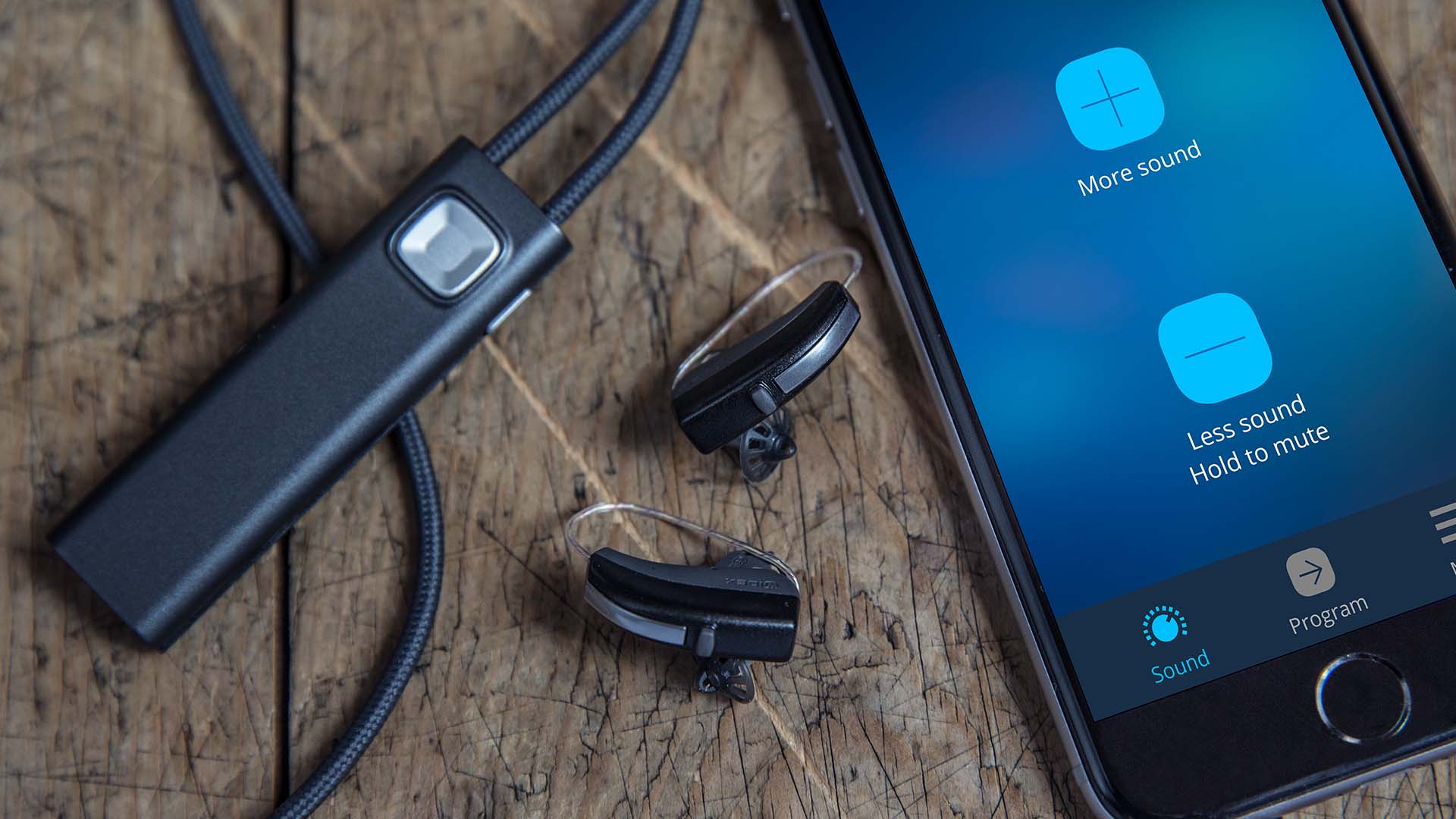
The COM-DEX solution

With the COM-DEX solution you are able to seamlessly communicate wherever you are and wherever you go.

The TV PLAY listening Device

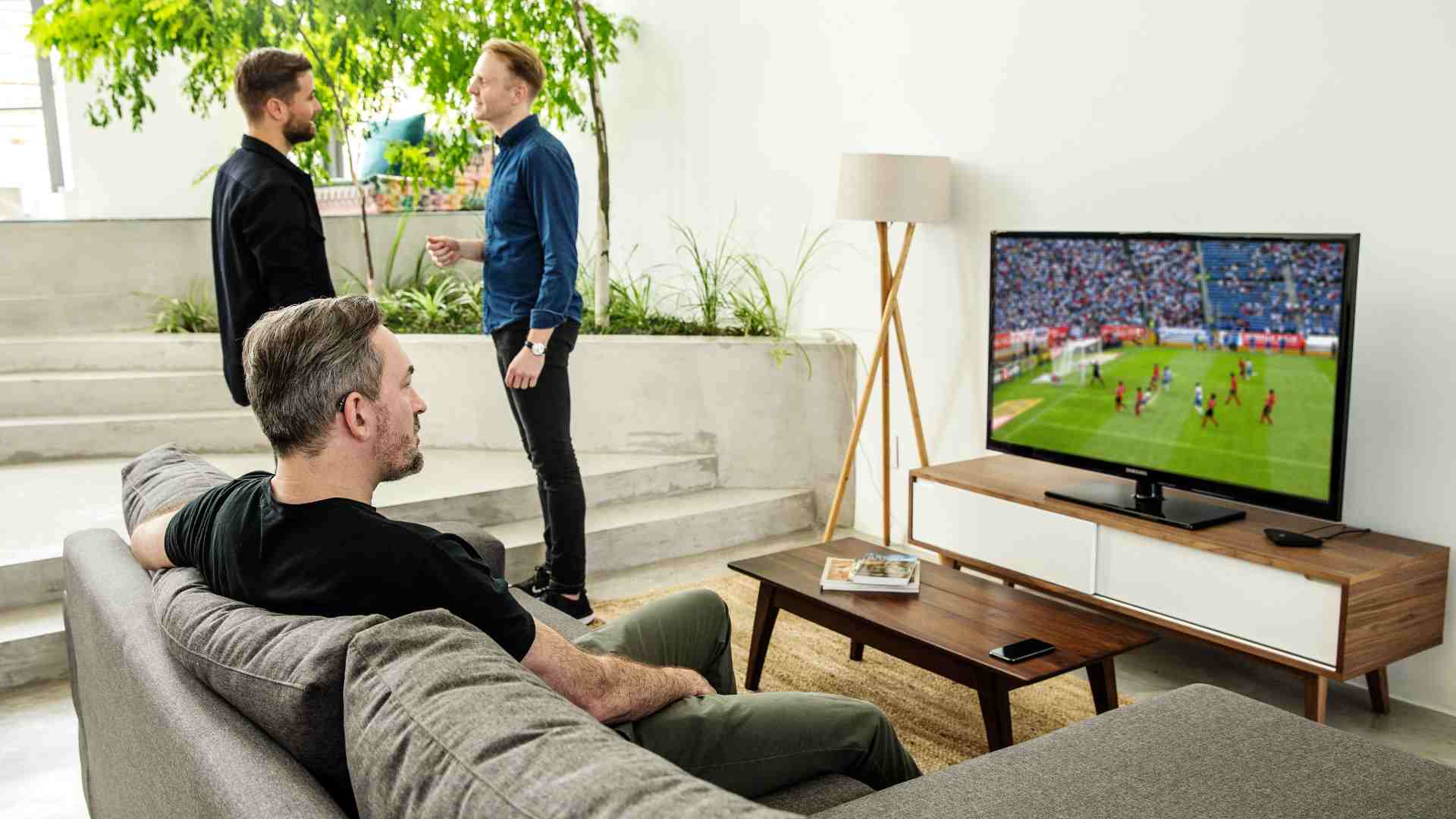
Enjoy outstanding TV sound through your hearing aids with Widex TV PLAY, an assistive listening device. You'll never miss out on important TV moments!
Go to the top